
Opening Files Faster In Vim with fzf
I’ve lately been using a wonderful terminal-based fuzzy finder https://github.com/junegunn/fzf to quickly find and open files. This morning I learned you can run it like this in order to both find a file and open it in Vim:
vim $(fzf)When you do the fuzzy finder will open:
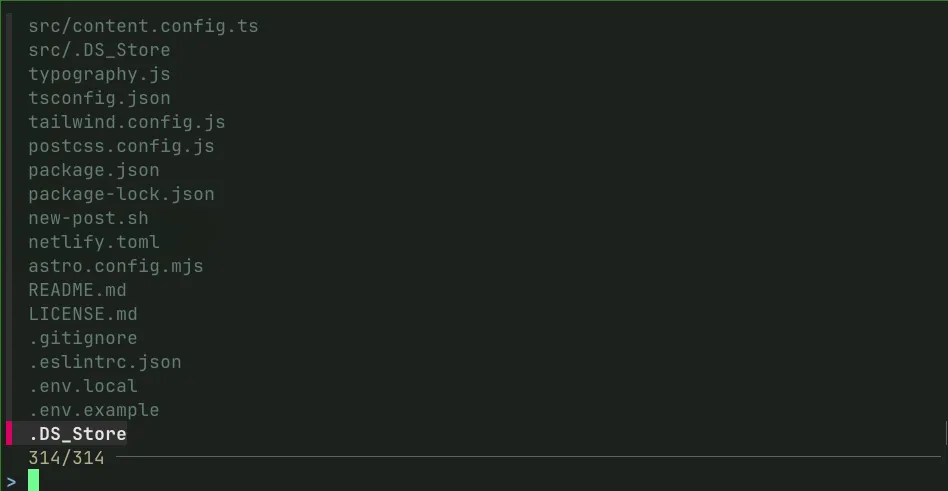
Now you can just start typing to quickly find any file in the directory tree. Even better, you can add an alias to .zshrc which negates the need to type the clumsy $(fzf):
vimf() {
  local file
  file=$(fzf) || return
  vim "$file"
}
After saving .zshrc changes be sure to run source ~/.zshrc if you want to use the command from your current terminal instance, otherwise you’ll need to start another terminal session. Now you can just run vimf to open the fuzzy finder.